
How To Watch Live TV Online with IPTV: NetGo TV
NetGo TV makes it easier than ever to watch live TV online from almost anywhere with an internet connection. As more viewers move away from traditional television setups, IPTV services have become a popular option for accessing live channels, sports, news, movies, and entertainment on a variety of devices.
Whether you’re watching from your living room, traveling, or simply looking for a more flexible way to enjoy television, understanding how to get started with IPTV can help you make the most of your viewing experience.
What You Need to Watch Live TV Online
A Reliable Internet Connection
A stable internet connection is the foundation of a smooth streaming experience. While exact speed requirements vary depending on video quality, a faster and more reliable connection generally helps reduce buffering and interruptions.
If multiple people in your household stream content, play online games, or work from home, you may benefit from a higher-speed internet plan to keep everything running smoothly.
A Compatible Streaming Device
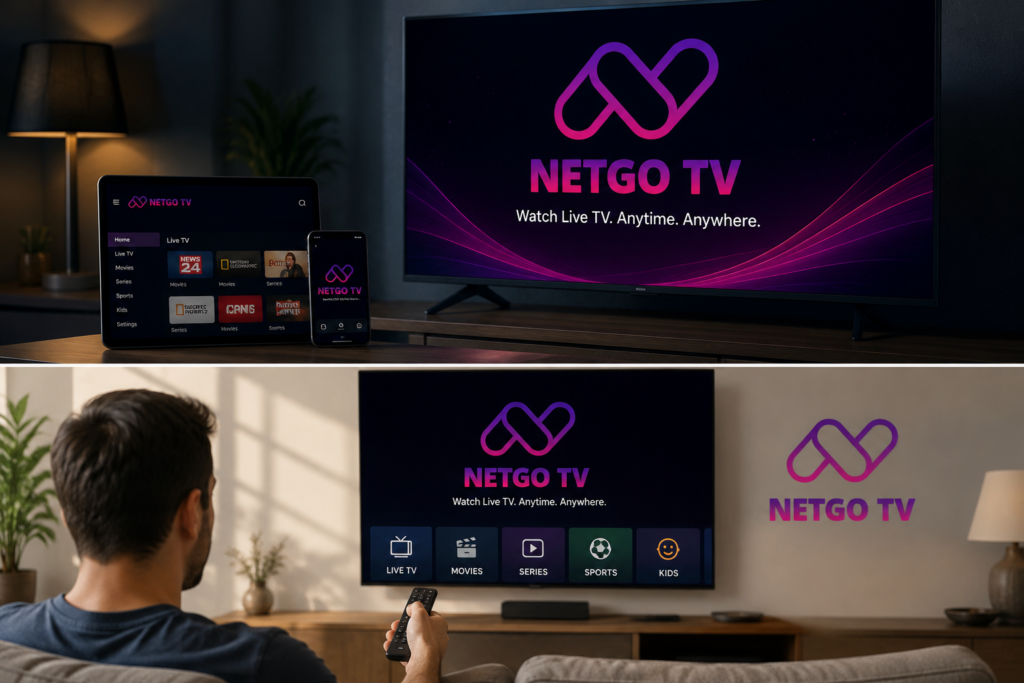
One of the biggest advantages of modern IPTV services is device flexibility. You can watch live TV online using:
- Smart TVs
- Android TV devices
- Amazon Fire TV devices
- Smartphones and tablets
- Desktop computers and laptops
This flexibility allows viewers to enjoy their favorite channels wherever they prefer to watch.
An IPTV Service
Choosing the right IPTV service is an important step. Look for a provider that offers:
- Easy setup
- Broad device compatibility
- Reliable streaming performance
- User-friendly navigation
- Helpful customer support
A quality service can make the viewing experience much more enjoyable and convenient.
Tips for Getting the Best IPTV Experience
To get the most from your IPTV service:
- Use a stable internet connection.
- Keep your streaming apps updated.
- Restart your device occasionally to maintain performance.
- Explore available settings and features.
Get started with NetGo TV App, visit the Pricing page, or click on the any of Get Started button found on the home page. Feel free to contact us if you have any questions. Download now!
